
Advanced Tips for Getting More From the Fosi Audio DAP Neo
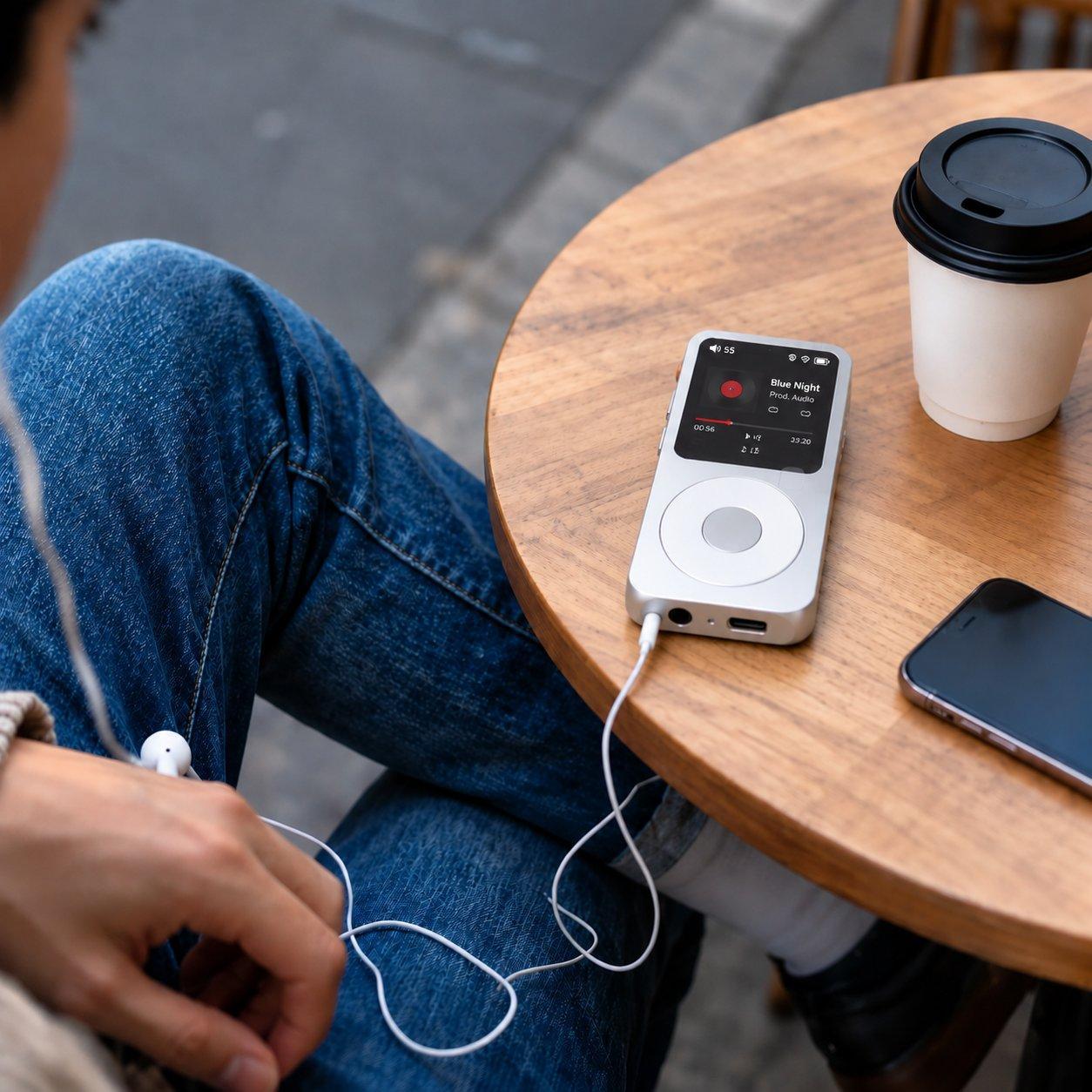
Once you have used a dedicated player for a while, the basic questions fade away and the interesting ones begin. How do you organise a large library so you can find anything in seconds? Which file types are worth the space? And how do you squeeze the best sound out of the headphones you already own? The Fosi Audio DAP Neo rewards listeners who take the time to set it up properly, and the tips below are for people who have moved past the first week and want more from it.
None of this needs extra spending. Most of the gains come from how you prepare your files, how you use the player’s settings, and how you listen. Work through the tips in order, and keep the ones that fit the way you listen.
Organise the library before it grows out of control
A player with a few hundred albums is easy to browse. A player with a few thousand is not, unless the files are organised. Use a clear folder structure, one folder per artist and one per album inside it, and make sure the tags inside the files are correct. Tags are the fields that carry the artist, album, track number, and year, and the player reads them to build its menus. Files with missing or wrong tags will appear in strange places or not at all.
Fix the tags on your computer before copying files to the player, using any free tagging tool. Check the album art as well, because a missing cover makes browsing slower and less pleasant. It is dull work, but doing it once, properly, pays off every time you pick the player up. A tidy library is the difference between a player you enjoy and one you fight with.
Choose file formats with intent, not habit
Lossless files such as FLAC keep every detail of the recording, but they take up more space than compressed files. That trade-off is worth making for the albums you love most, and less important for casual listening or spoken word. A practical approach is to keep your favourite albums in lossless quality and use a good-quality compressed format for the rest, so the storage lasts longer without giving up much you can actually hear.
Also check the quality of the files you already have. A low-bitrate file copied years ago will not sound better just because it is on a better player. Where a favourite album only exists as a poor-quality copy, replacing it with a proper version is the single biggest sound improvement you can make. The player can only play what is in the file.
Use the player’s settings, not just the volume
Most dedicated players offer more than a volume control. There may be a gain setting, which matches the player’s output to your headphones: low gain for sensitive earphones, higher gain for headphones that need more power. Using the right gain keeps the sound clean and avoids background hiss. There may also be an equaliser, which is best used sparingly, to correct a small weakness in a pair of headphones rather than to reshape every song.
Battery life is another setting worth understanding. Features like a bright screen, wireless connections, and high-power output all use power. If you mostly listen to files stored on the player, turning off anything you are not using will stretch the battery noticeably. Small habits, like letting the screen sleep quickly, add up over a long day of listening.
Get more from the headphones you already own
Before buying new headphones, try the ones you have with a little care. A different set of ear tips can change the sound of in-ear headphones more than any setting on the player, because a good seal is what carries the bass. For over-ear headphones, check that the pads are in good condition, since worn pads leak sound and lose bass. Clean the connectors and keep cables free of tangles, because a poor connection causes dropouts that sound like a fault in the player.
Listen in a quiet place when you are comparing anything. Small differences in sound disappear in a noisy room or on a busy street, and that is fine: the point of a good player is to enjoy music, not to pass a test. If a change makes your favourite album more enjoyable, keep it. If you cannot hear a difference after a fair try, do not chase it.
The Fosi Audio DAP Neo gives its best to listeners who treat the library, the files, and the settings as part of the hobby. Organise the tags, keep the best files in lossless quality, set the gain for your headphones, and look after the gear you already have. The music will do the rest.